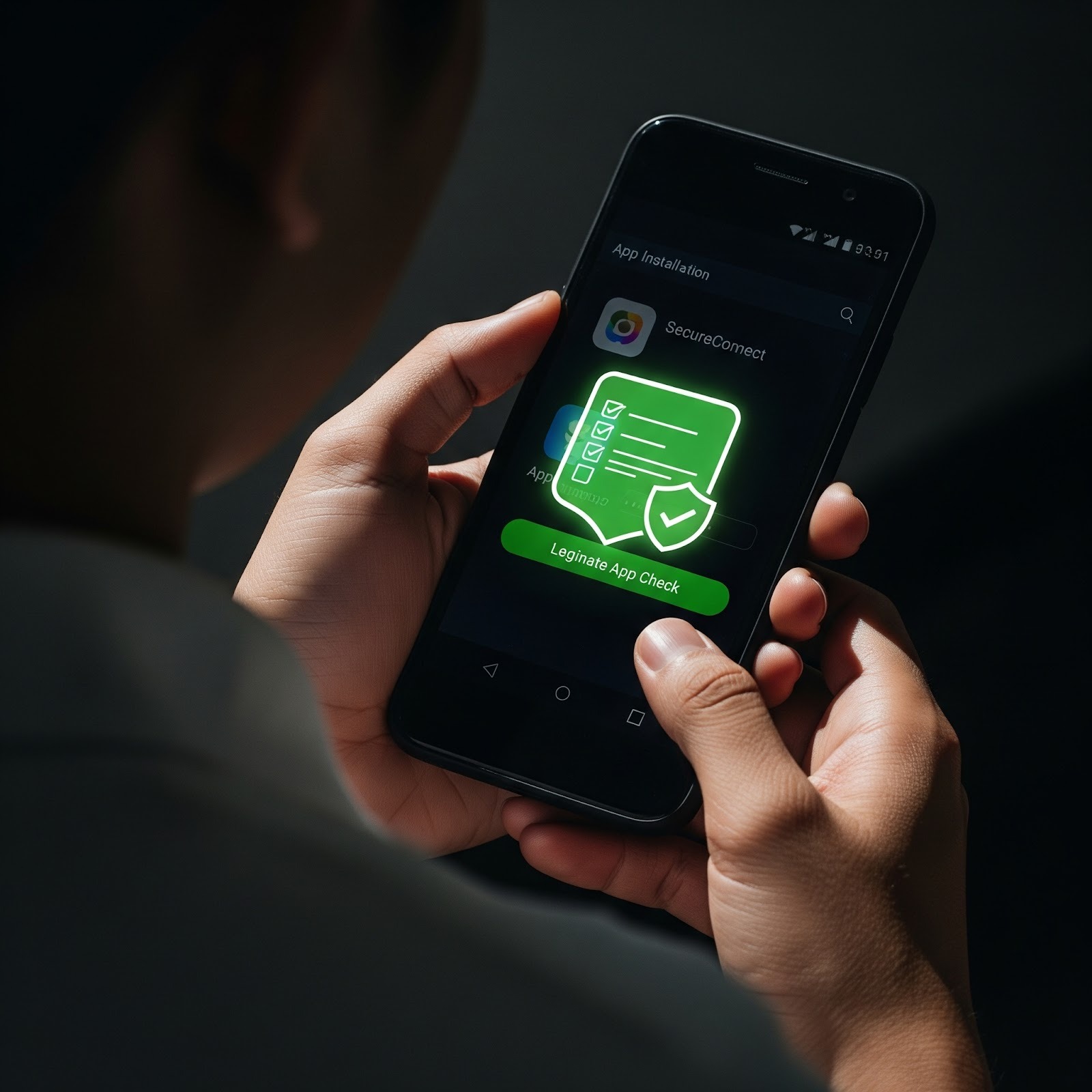
How to Check App Permissions Properly on Android Phones in Malaysia
For many Android users in Malaysia, app permissions are often treated as a formality. During installation, permission prompts appear, and users tap “Allow” simply to proceed. Over time, this habit can expose devices to unnecessary privacy and security risks.
This article explains how Malaysian users can properly review and manage app permissions on Android, what different permissions actually mean, and how to make informed decisions without technical expertise. The goal is awareness and responsible usage, not fear or restriction.
What Are App Permissions in Simple Terms?
App permissions define what an app is allowed to access on your phone. This may include:
- Storage (files, photos, media)
- Camera or microphone
- Location data
- Contacts or call logs
- SMS or notification access
Permissions exist to let apps function correctly, but not all permissions are equally sensitive.
Why Permission Awareness Is Important in Malaysia
Malaysia’s Android user base is highly diverse:
- Budget phones with older Android versions
- Mid-range devices with customised system settings
- Users with varying levels of digital literacy
In addition, apps are frequently shared via WhatsApp, Telegram, and community groups. These conditions increase the chance that users install apps without fully understanding permission implications.
Types of App Permissions Android Users Should Understand
1. Normal Permissions
These permissions involve low risk and are often granted automatically.
Examples include:
- Internet access
- Vibration control
- Setting wallpaper
These permissions usually do not expose personal data directly.
2. Dangerous Permissions
Dangerous permissions give apps access to sensitive data or functions.
Examples include:
- Contacts
- Storage
- Camera
- Microphone
- Location
Android requires user approval for these because misuse can impact privacy.
3. Special Permissions
Some permissions are more powerful and less visible.
Examples include:
- Accessibility access
- Notification access
- Device admin privileges
These permissions should only be granted when absolutely necessary.
Step 1: Review Permissions Before Installing an App
Before installation, Android displays requested permissions.
Malaysian users should pause and ask:
- Does this permission match the app’s function?
- Why would this app need this access?
- Is the permission essential or optional?
For example, a navigation app requesting location makes sense. A simple flashlight app requesting contacts does not.
Step 2: Review Permissions After Installation
Permissions can be checked and adjusted at any time.
On most Android devices:
- Open Settings
- Go to Privacy or Privacy & Security
- Select Permission Manager
- Choose a permission type or specific app
This allows users to see which apps have access to sensitive data.
Step 3: Watch for Permission Changes Over Time
Some apps request additional permissions after updates.
Users should be alert when:
- An app suddenly asks for new permissions
- A previously simple app requests broader access
- Permissions change without clear explanation
This does not always indicate malicious intent, but it deserves attention.
Step 4: Understand Permission Use in Daily Behaviour
Permissions are meaningful only if they are actively used.
Users should monitor:
- Whether an app accesses location unnecessarily
- Whether background activity increases
- Whether permissions are used when the app is not open
Unexpected behaviour may indicate overreach.
Common Permission Mistakes Made by Malaysian Users
“Allow Everything to Avoid Problems”
Granting all permissions removes user control and increases risk.
“Permissions Don’t Matter Once Installed”
Permissions remain active until revoked.
“System Apps Are Always Safe”
System apps are generally safer, but still deserve awareness.
How Android Has Improved Permission Control
Modern Android versions used in Malaysia offer:
- One-time permissions
- Permission auto-reset for unused apps
- Background access controls
Using these features improves privacy without affecting usability.
When to Reconsider an App Based on Permissions
Users should reconsider an app if:
- Permissions are unrelated to function
- The app stops working when permissions are denied
- The app pressures users to enable sensitive access
In such cases, alternative apps may be safer.
Permission Management Is Not About Fear
Permissions exist for functionality, not harm.
Responsible permission management means:
- Granting access only when justified
- Reviewing permissions periodically
- Revoking access that is no longer needed
This approach supports long-term device health and privacy.
Why This Matters for Malaysian Users
With increasing digital activity in Malaysia, personal data protection begins at the device level. Permission awareness is one of the simplest and most effective ways users can protect themselves without technical tools.
Conclusion: Permissions Reflect Trust Boundaries
App permissions define how much trust you give an app.
For Android users in Malaysia, learning how to review and manage permissions properly helps:
- Reduce unnecessary data exposure
- Prevent background misuse
- Encourage responsible app usage
For additional Malaysia-focused guidance on app permissions, verification, and responsible mobile usage, readers may refer to GuideSee.
Keep an eye for more latest news & updates on Invents Tech!